
Webhooks
What this is
Send a JSON payload to your HTTPS endpoint when something happens in the workspace — for example a link is created or a domain is verified.
Before you start
- API access is available on your plan.
- You are the workspace owner.
Steps
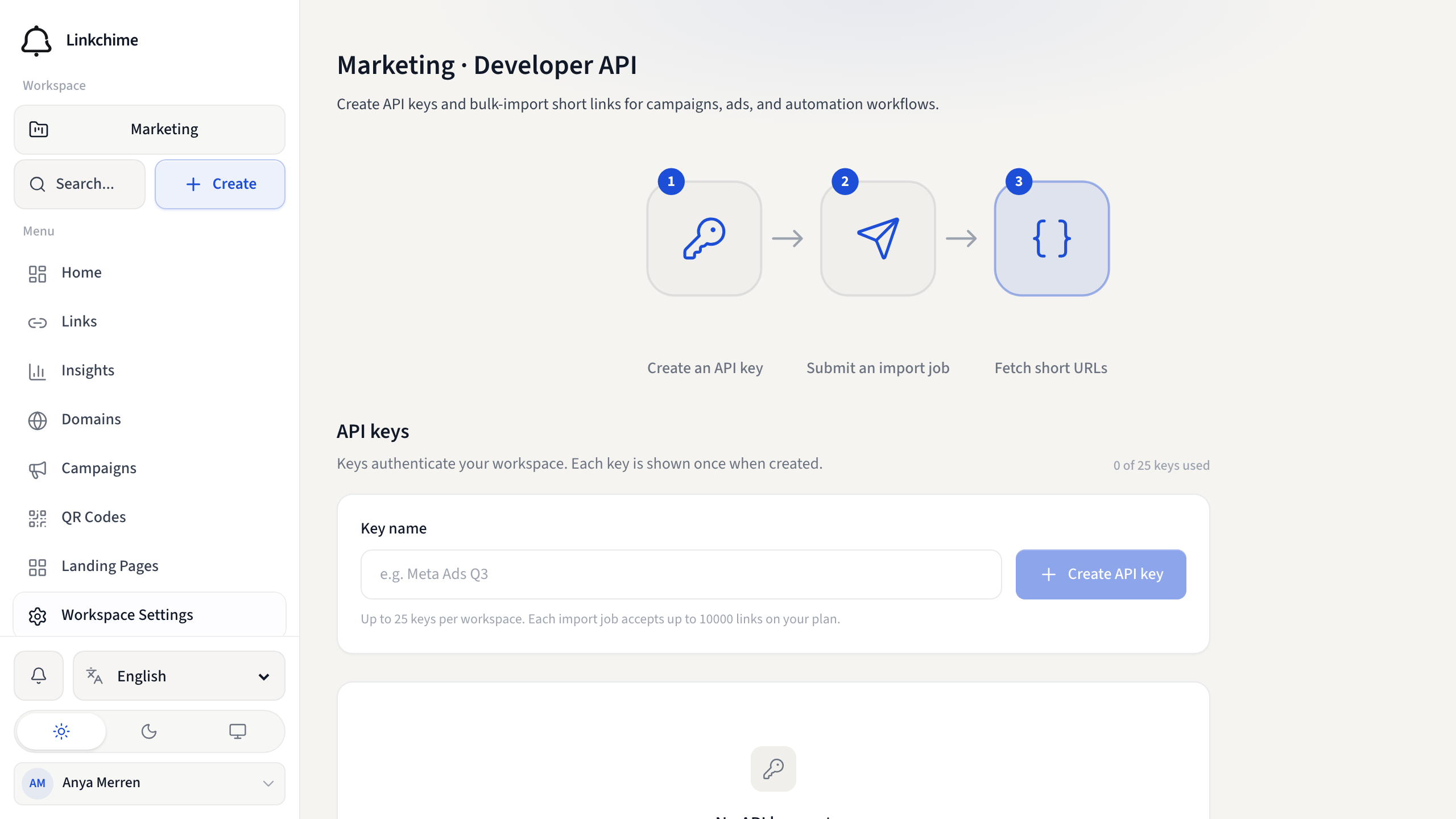
- Open Workspace Settings → Developer API.
- Add a webhook URL and choose the events to send.
- Save, then use Test to send a sample delivery.
- Review recent deliveries on the same screen.
What happens next
Linkchime signs deliveries so you can verify they came from your workspace. Failed deliveries are retried.
Related pages
Ready to try it?
Create a free account and put these guides to work on your next campaign.