
Continuity Mode
What this is
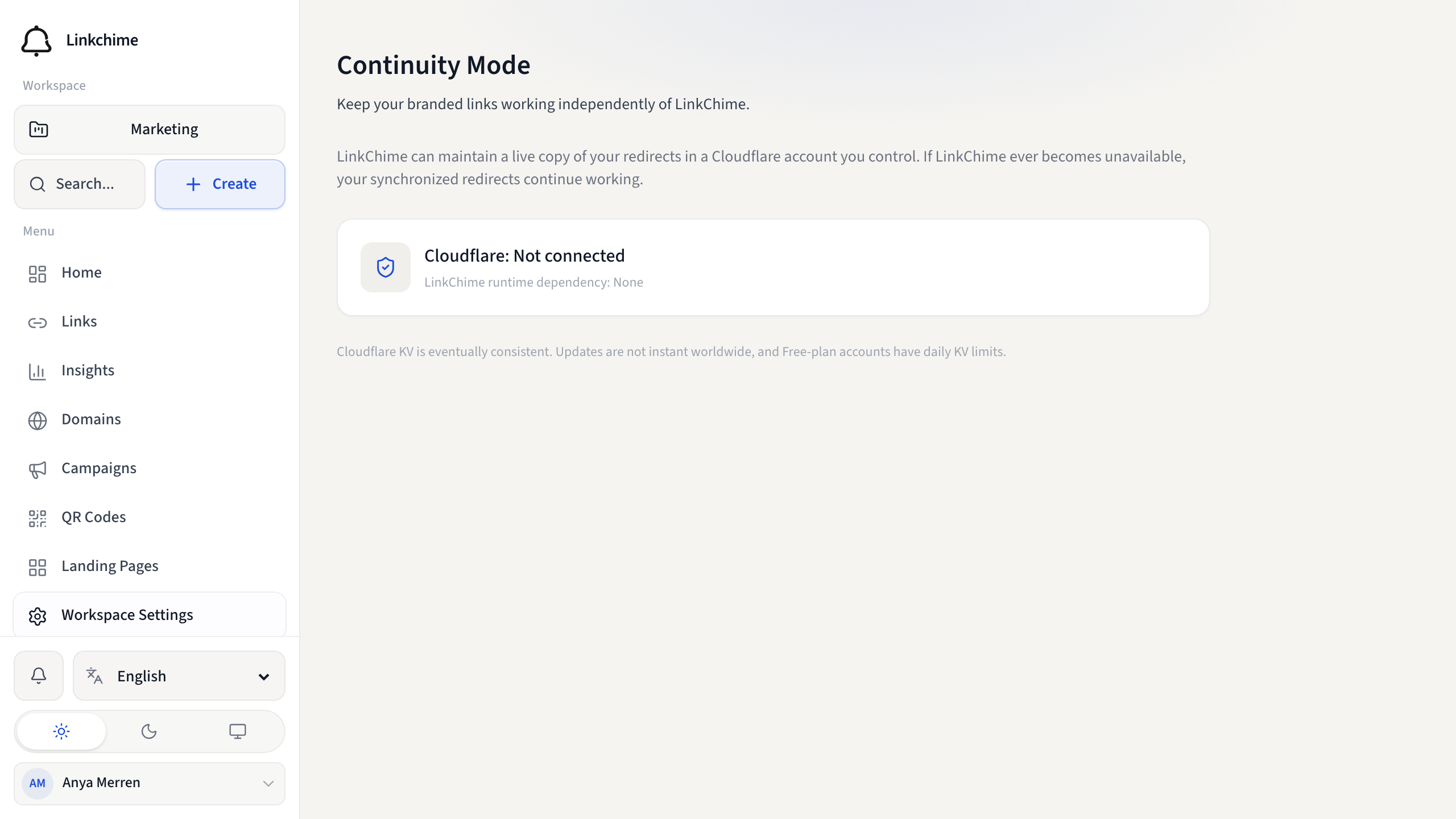
Continuity Mode keeps a live copy of your branded short-link redirects in a Cloudflare account you control. If Linkchime is unavailable, synchronized redirects on that hostname keep working.
Linkchime does not run those redirects after they are synced. Visitors hit your hostname, then a Worker and KV namespace in your Cloudflare account.
Before you start
- Continuity Mode must be included on your plan.
- You have a verified custom domain.
- You can sign in to a Cloudflare account that owns the zone for that hostname.
- Only the workspace owner can connect Cloudflare and manage Continuity.
Steps
- Open Workspace Settings → Continuity Mode (or Domains → Protect with Continuity Mode).
- Click Connect Cloudflare and authorize the requested access.
- Choose the Cloudflare account, zone, and verified hostname.
- Click Enable Continuity.
- Wait until status is Protected. Use Sync now after large link changes if needed.
What is synced
Active, enabled, non-expired, non-password links on that custom domain. Destination URL and redirect status are copied.
Advanced behaviors (password gates, cloaking, geo routing, split tests, interstitial pages, drop mode) are not reproduced on Continuity. Those links stay Linkchime-only.
Status
- Protected — synchronized redirects are hosted in your Cloudflare account.
- Sync delayed — Linkchime could not push the latest changes yet. Existing redirects still work.
- Existing links protected; future changes not syncing — Cloudflare authorization was revoked. Already-synced redirects keep working until you reconnect.
Cloudflare KV is eventually consistent. Updates are not instant worldwide. Free Cloudflare plans have daily KV limits.
Lifeboat
Download Lifeboat saves a ZIP of your redirects (JSON, CSV, README, checksums) with no secrets. Use it as a vendor-neutral backup.
Detach vs delete
- Detach from LinkChime — Linkchime stops updating the Cloudflare Worker. Redirects already in your account keep working.
- Delete Continuity infrastructure — deletes the Worker, KV namespace, and hostname attachment in Cloudflare. Continuity-hosted links stop working. This is separate and destructive.
Related pages
Denemeye hazır mısınız?
Ücretsiz bir hesap oluşturun ve bu rehberleri bir sonraki kampanyanızda kullanın.