
Bulk actions
What this is
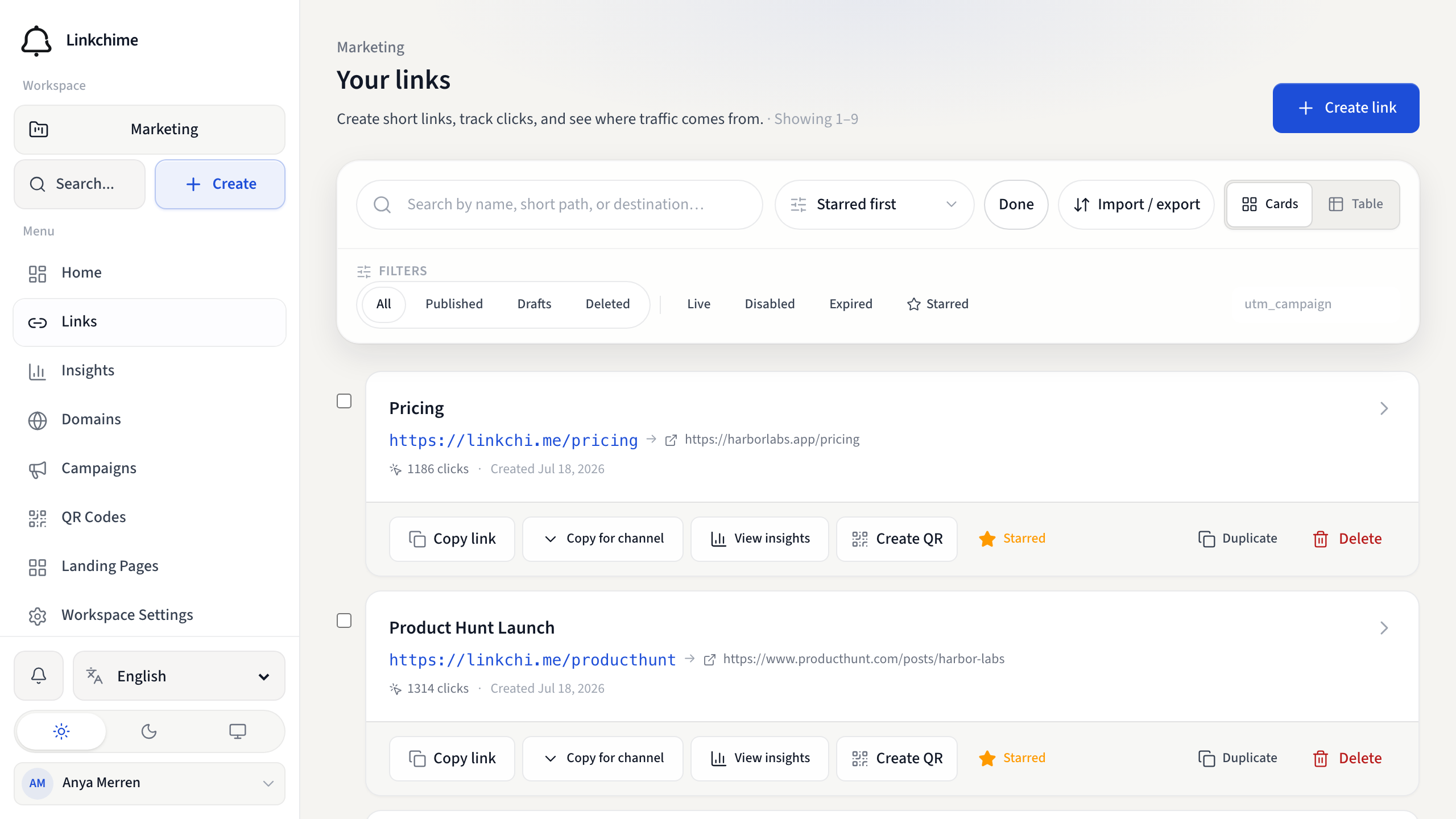
Select multiple links at once to delete, star, enable, disable, or restore them.
Before you start
- You have write access to the workspace.
- You're on the Links page.
Steps
- Open Links.
- Click Select on the toolbar.
- Check the links you want to change (or use Select on individual cards).
- Choose an action:
- Star — mark selected links as starred
- Enable — turn selected links on
- Disable — turn selected links off
- Delete — soft-delete selected links
- Restore — restore deleted links (visible when viewing the Deleted filter)
- Confirm if prompted.
- Click Done to exit selection mode.
What happens next
The selected links are updated. Deleted links can be restored within 30 days.
Tips
- Use the Deleted filter first if you want to restore multiple links.
- Bulk actions apply only to links on the current page — load more links if needed.
Related pages
Denemeye hazır mısınız?
Ücretsiz bir hesap oluşturun ve bu rehberleri bir sonraki kampanyanızda kullanın.