
Global search
What this is
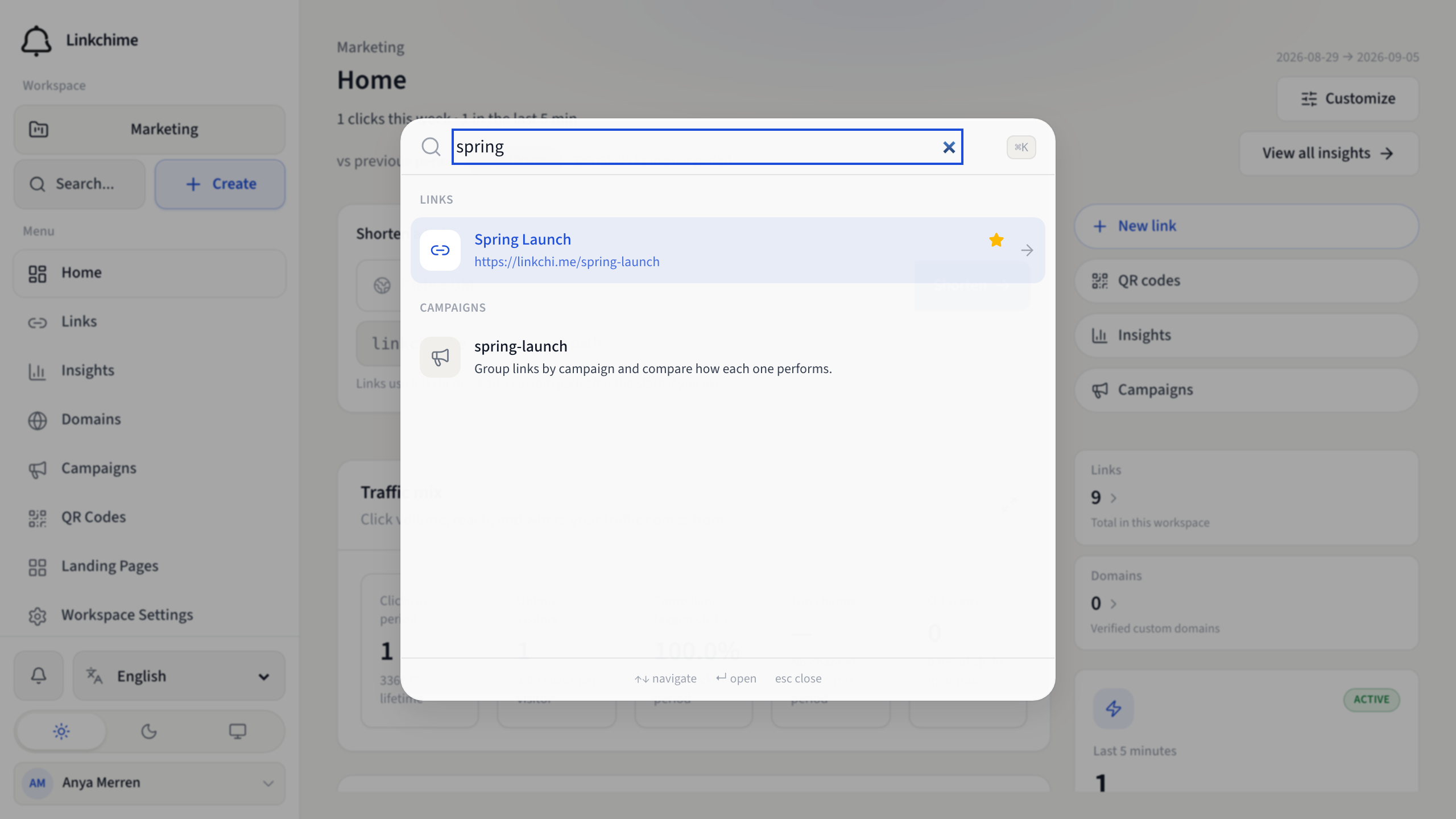
Jump to any page, link, domain, setting, or action from anywhere in the app.
Before you start
- You're signed in.
Steps
- Press ⌘K (Mac) or Ctrl+K (Windows/Linux).
- Or click Search in the mobile tab bar.
- Or click the search box in the sidebar.
- Type your search term.
- Use ↑ and ↓ to navigate results.
- Press Enter to open the selected result.
- Press Esc to close.
What you can find
Results are grouped by type:
- Pages — Home, Links, Insights, Settings, etc.
- Actions — Create link, go to conversions, etc.
- Links — by name, path, or destination
- Domains — verified and pending domains
- Settings — workspace and account settings
- Campaigns — campaign names
- From other workspaces — links in workspaces you have access to
Tips
- Search is the fastest way to open a specific link or setting.
- Try searching by destination URL or short path.
Related pages
Denemeye hazır mısınız?
Ücretsiz bir hesap oluşturun ve bu rehberleri bir sonraki kampanyanızda kullanın.