
Acquisition tab
What this is
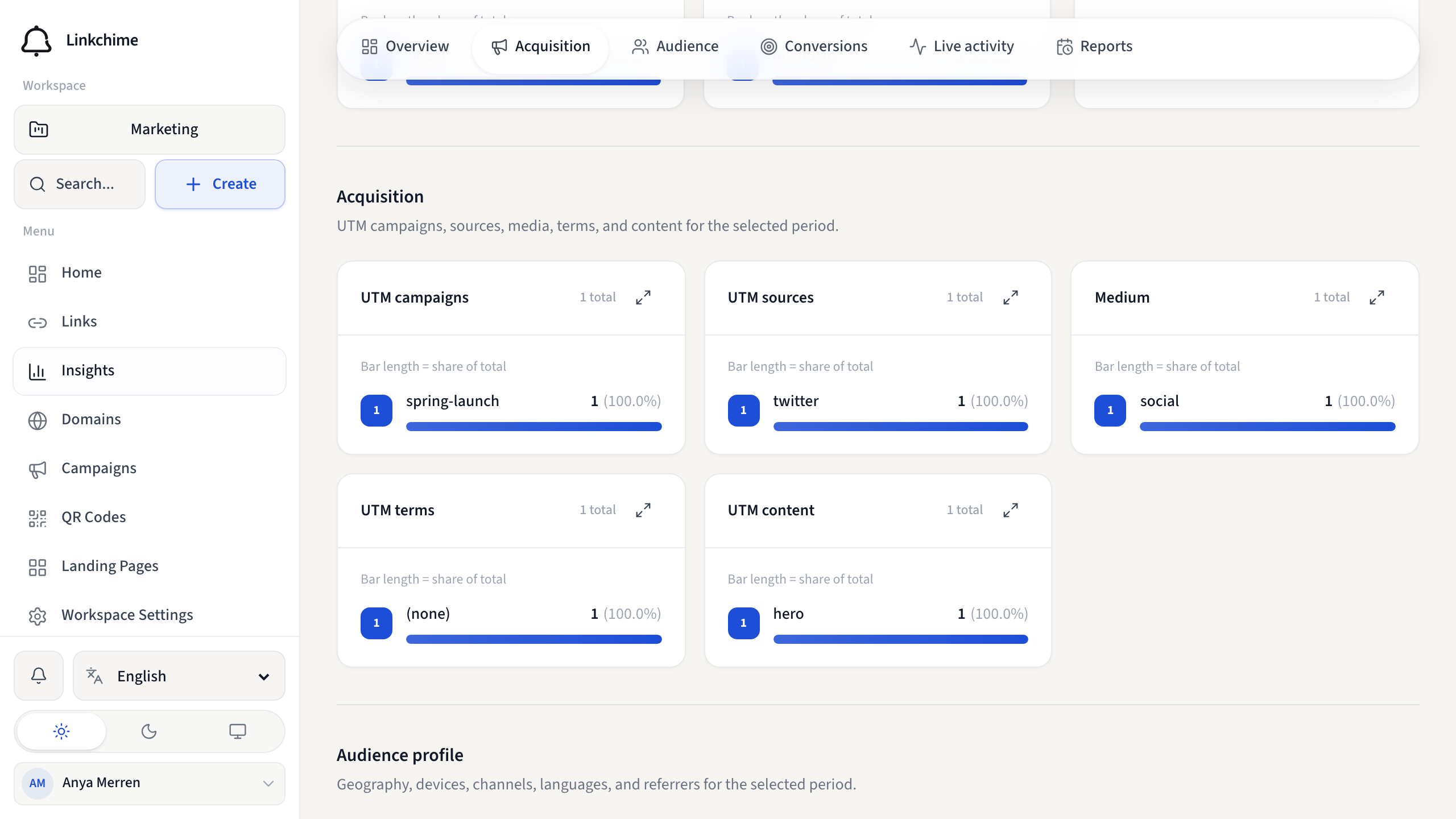
The Acquisition tab shows where your traffic came from: UTM campaigns, sources, media, terms, content, and paid ad platforms.
Before you start
- Links should have UTM tags or channel share links for meaningful campaign data.
Steps
- Open Insights.
- Click the Acquisition tab.
- Review:
- UTM campaigns — grouped by campaign tag
- UTM sources — traffic sources (newsletter, google, etc.)
- Medium — marketing mediums (email, cpc, etc.)
- UTM terms and UTM content — keyword and content variants
- Paid ad platforms — Google Ads, Meta Ads, and other ad click IDs
What happens next
Use this data to compare campaigns and double down on what works.
Tips
- No tagged traffic yet? Add UTM tags when creating links — see UTM and campaign tags.
- Use Share by channel for pre-tagged links per platform.
Related pages
Denemeye hazır mısınız?
Ücretsiz bir hesap oluşturun ve bu rehberleri bir sonraki kampanyanızda kullanın.