
Split testing
What this is
Send a percentage of visitors to different destination URLs from a single short link. Useful for A/B testing landing pages or offers.
Before you start
- Split tests must be available on your plan.
- You have a link open on the Settings tab.
Steps
- Open a link's Settings tab.
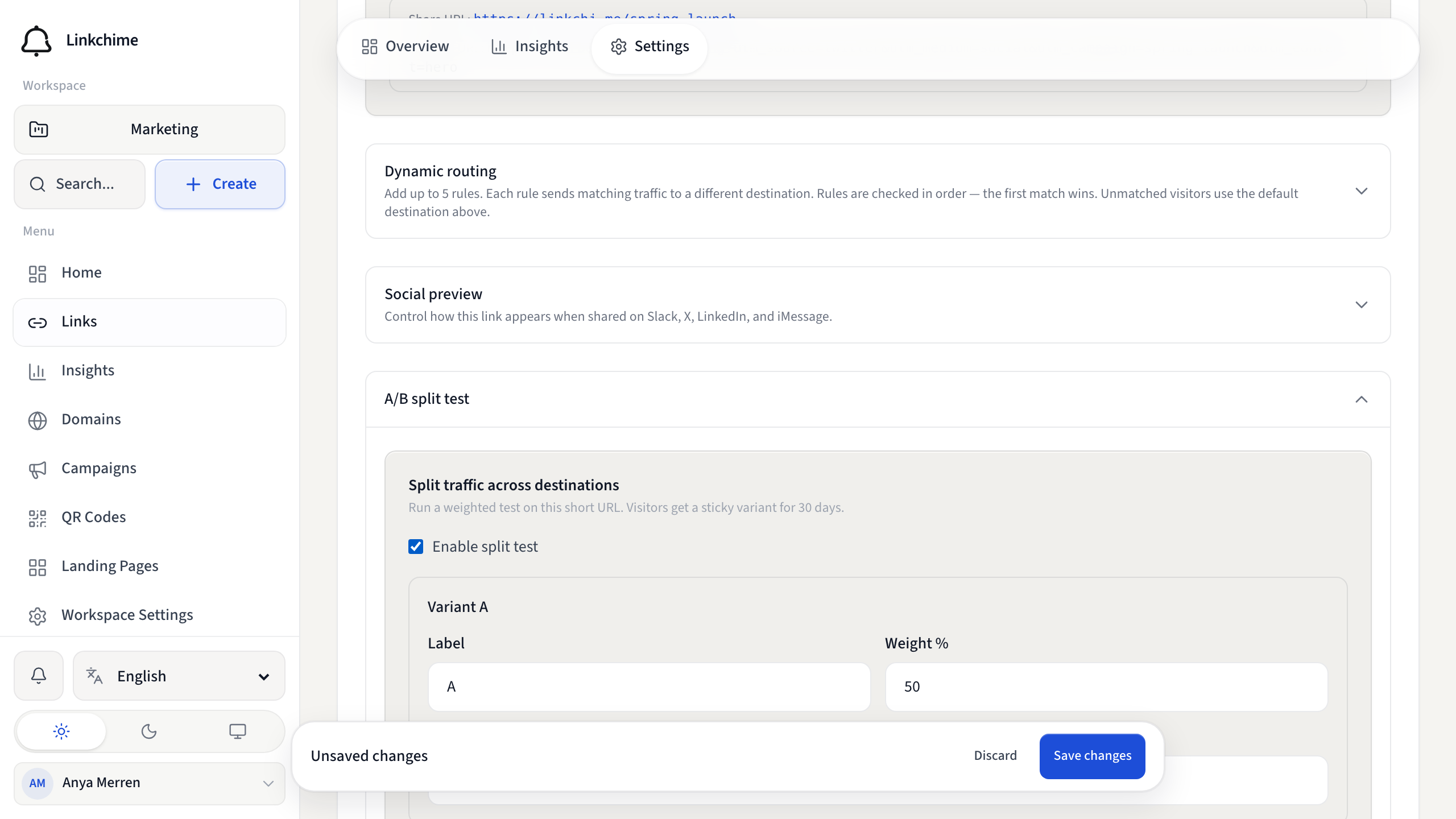
- Find A/B split test and turn on Enable split test.
- Set up at least two variants:
- Label — name for the variant (for example
AorControl) - Weight % — percentage of traffic (all weights must total 100%)
- Destination URL — where this variant sends visitors
- Label — name for the variant (for example
- Click Add variant for up to four variants total.
- Click Save changes.
What happens next
Visitors are assigned a variant and stay on that variant for 30 days. Results appear in the link's Insights tab under A/B variants.
Tips
- Weights must add up to exactly 100%.
- Each variant needs a label and destination URL.
Related pages
Denemeye hazır mısınız?
Ücretsiz bir hesap oluşturun ve bu rehberleri bir sonraki kampanyanızda kullanın.